MeshCoat
A downloadable tool for Windows, macOS, and Linux
MeshCoat
Fast, focused 3D model texture painter for game developers and 3D artists.
Most 3D texturing suites are bloated, slow to boot, or locked behind subscription paywalls just to paint a texture on a low-poly mesh.
MeshCoat is fast, local, and free. Load your model, pick your canvas resolution, and paint in seconds. No accounts. No subscriptions. No bloat. Just models and textures, yours to keep.
Core Philosophy
Texture painting should be immediate, tactile, and yours alone. No AI assists, no accounts, no telemetry, no subscriptions. Just a brush, a canvas, and your creativity.
MeshCoat maps brush strokes directly from 3D camera space into UV coordinates in real time using custom hardware-accelerated shaders. Every layer is non-destructive. Composite results update at 60 FPS. You control every pixel. Textures load from any folder on disk, not from a locked proprietary database. When done, export a PNG ready for any game engine or renderer.
Features & Tools
- Direct 3D Surface Painting: Projects strokes and texture patterns automatically onto UV layouts without bleeding through thin walls or painting hidden faces.
- Non-Destructive Layer Stack: Create, hide, reorder, adjust opacity, duplicate, and merge multiple paint layers with live blending.
- Layer Masks: Toggle layers between paint and mask mode to non-destructively multiply underlying textures.
- Symmetry Mirror Painting: Mirror strokes, stamps, and fills across the model's X, Y, or Z axis in real time.
-
Tool Suite:
- Brush (
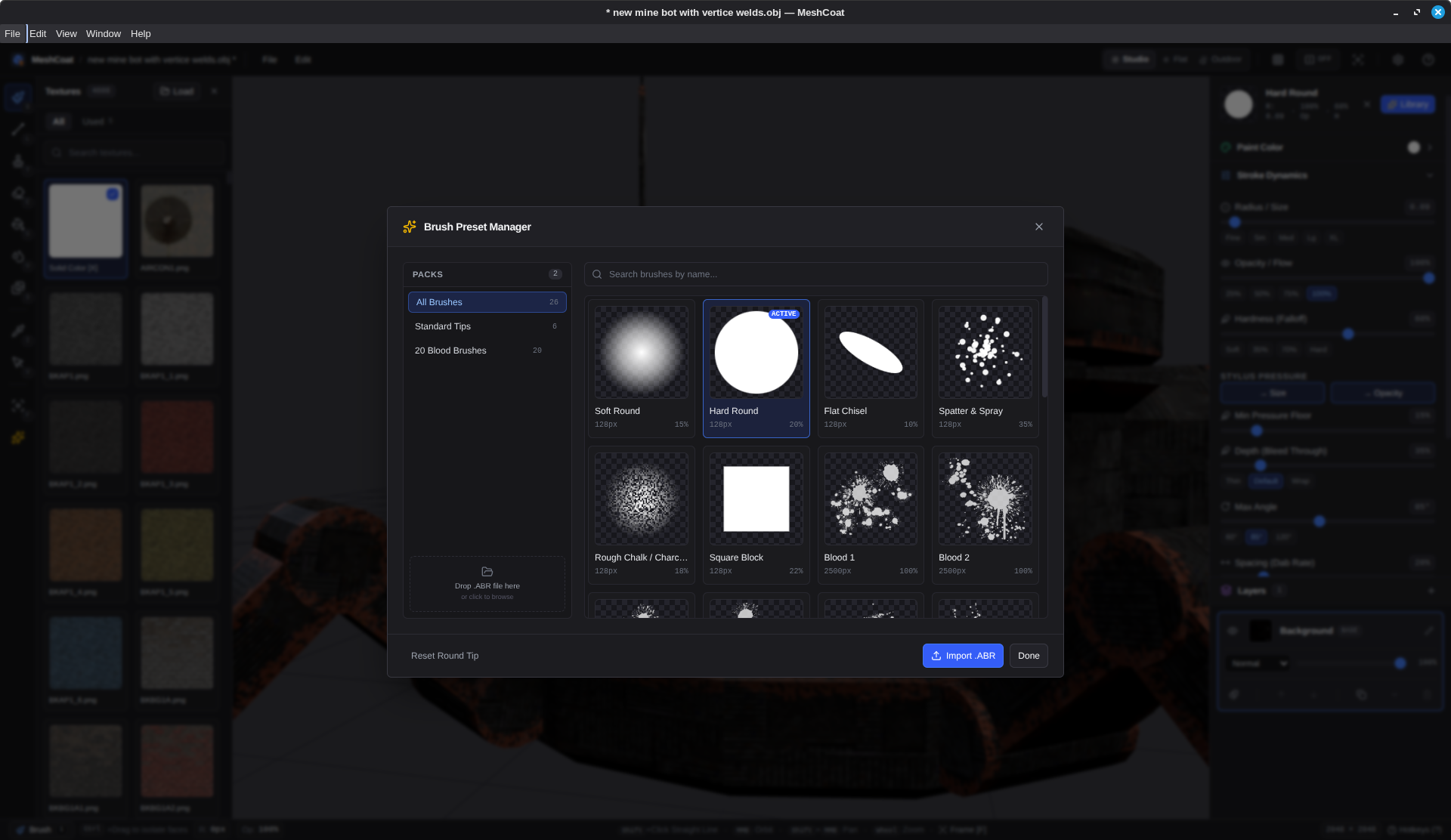
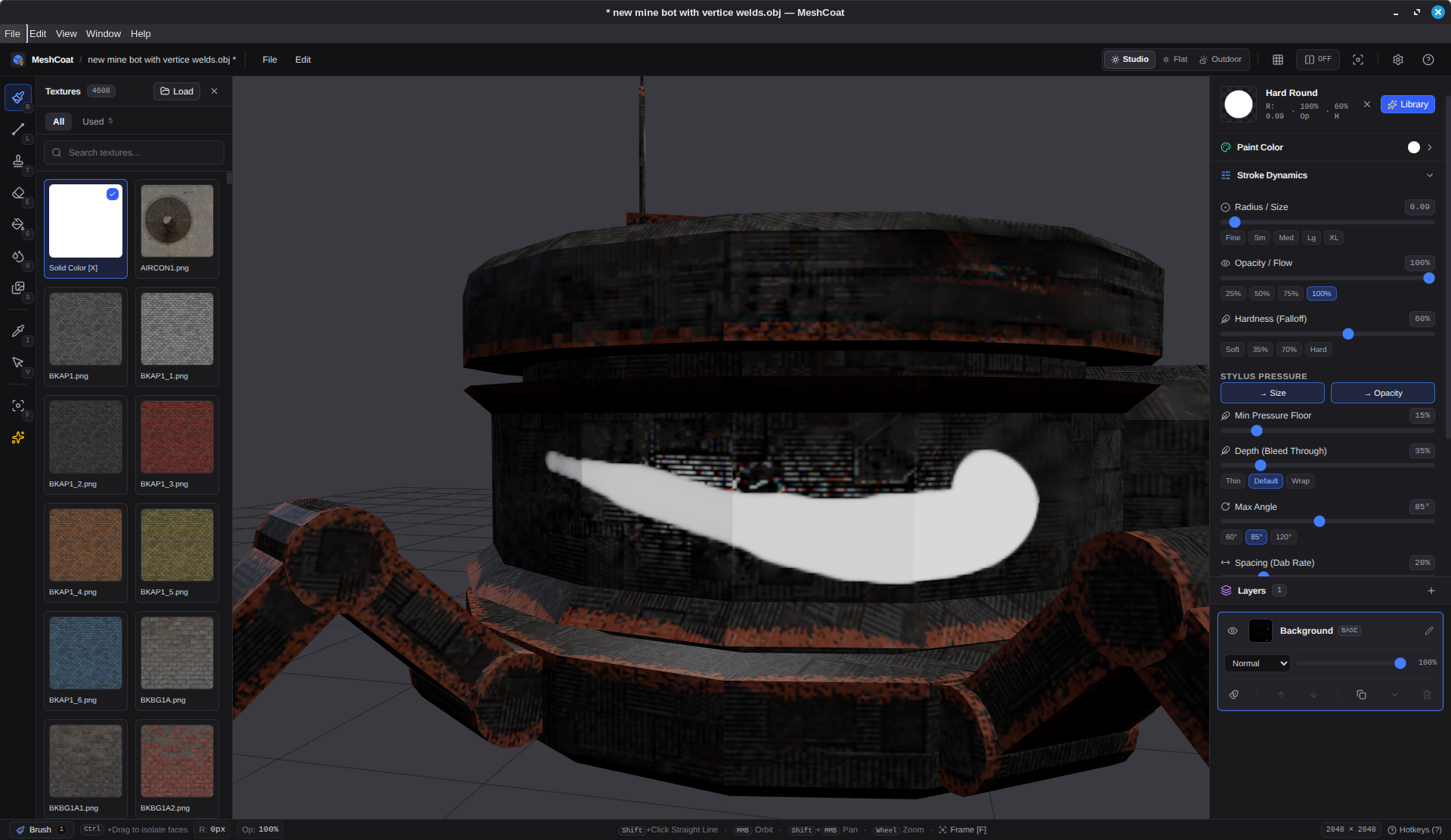
B): Freehand painting with pressure sensitivity, line snapping (Shift+Click), spacing, and texture projection. - Stamp (
T): Place texture decals with pressure support. - Eraser (
E): Erase with independent opacity and hardness controls. - Fill Bucket (
G): Flood fill whole meshes or isolated faces. - Effects Brush (
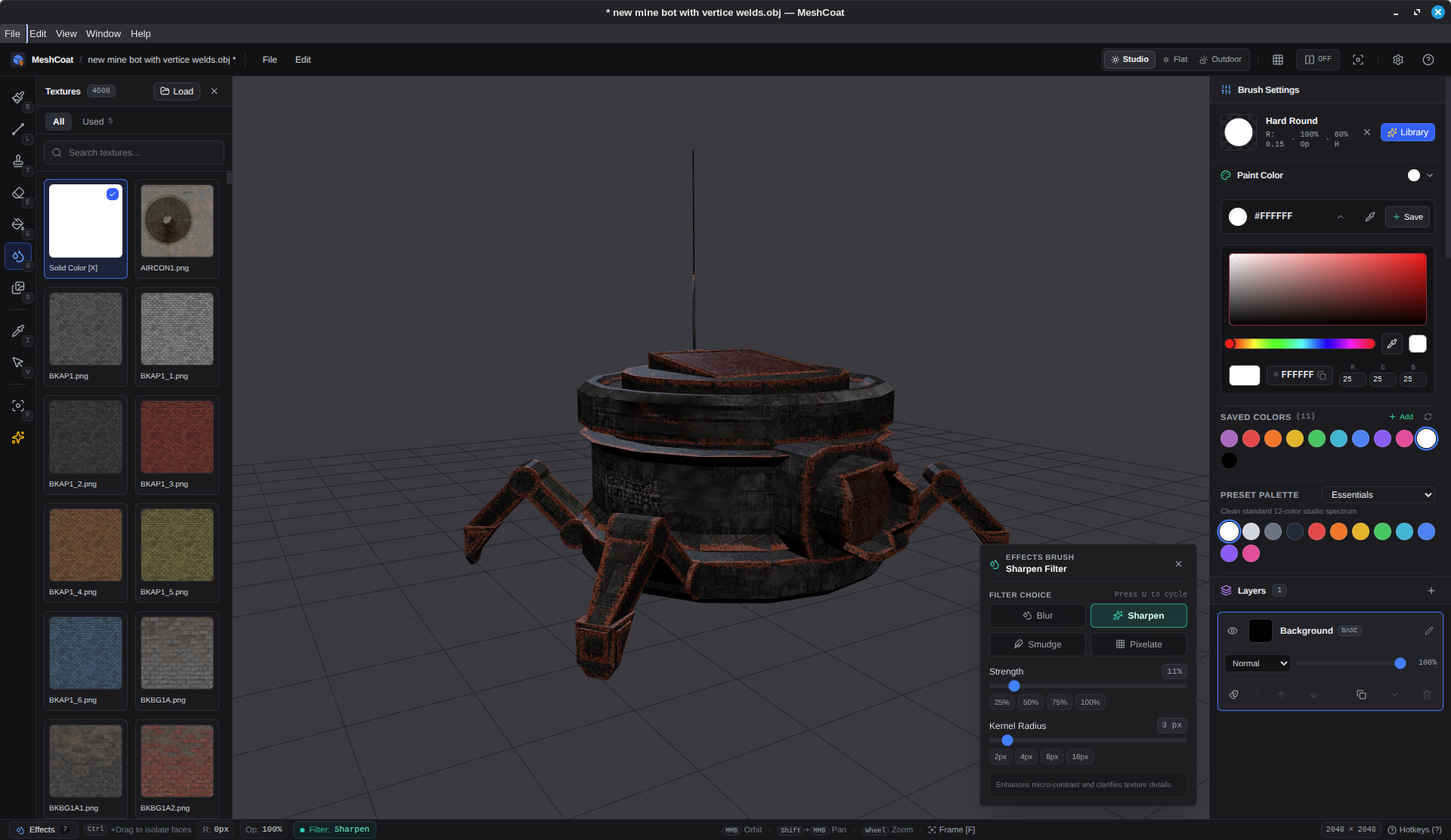
U): Blur, Sharpen, Smudge, and Pixelate directly on surface paint. - Eyedropper (
I): Sample RGB colors directly from the model. - Face Selection (
V): Restrict paints, fills, and effects to highlighted faces.
- Brush (
- Edge Wear & Crevice Dirt Generators: Procedural wear tools with real-time 3D preview and color presets to highlight ridges or fill crevices.
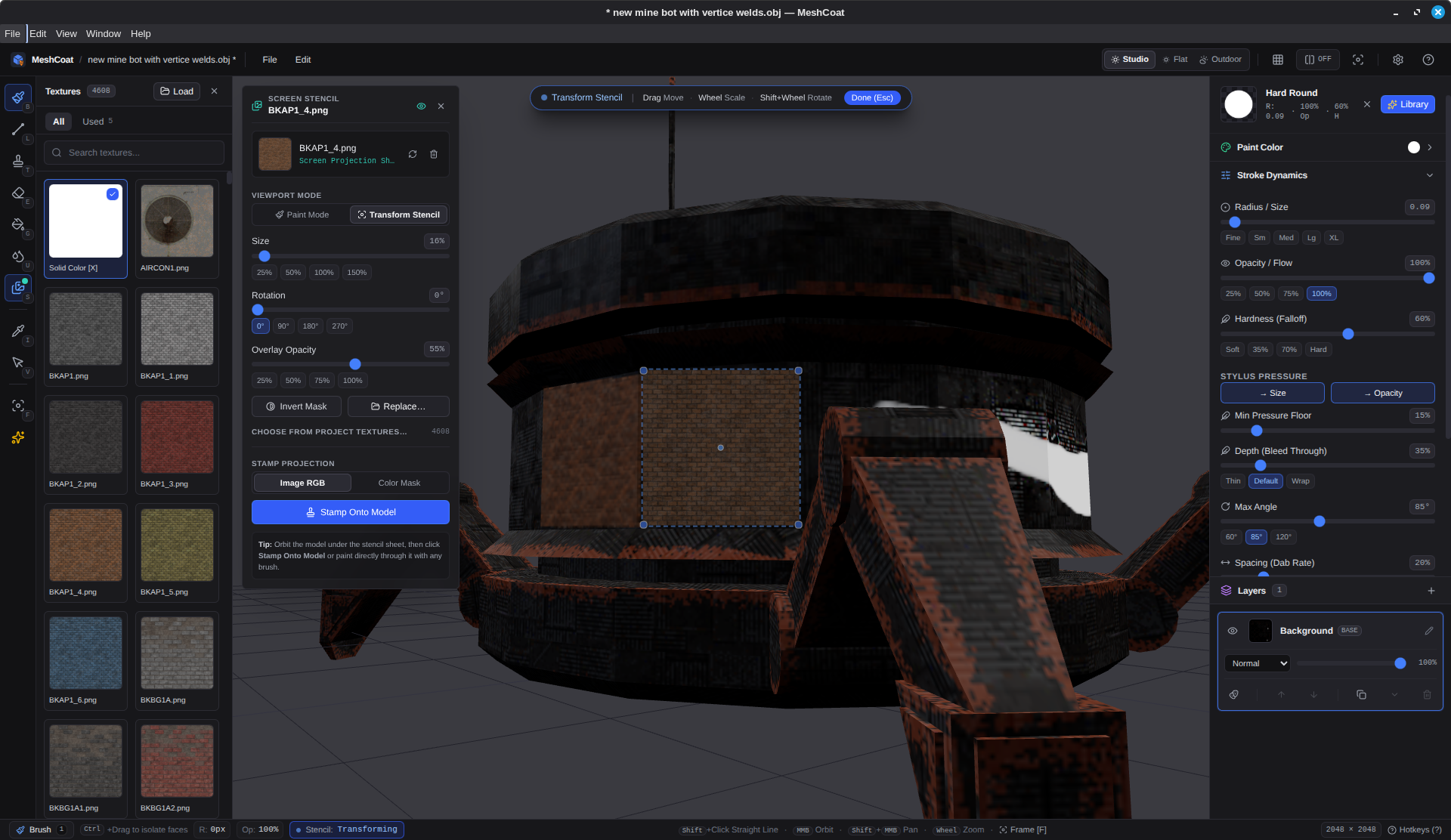
- Screen-Space Stencil: Float reference images on screen to paint through or project directly as decals.
- Integrated Texture Shelf: Browse local PNG/JPG textures directly from disk with search and quick-access history.
- Display Modes: Lit mode, unlit flat mode, and wireframe overlay (
W). - Format Support: Imports
.obj,.glb, and.gltf. Exports composite maps directly to standard PNG. - History: 100-step undo/redo for all operations.
Keybindings
| Key | Action |
|---|---|
B |
Brush tool |
T |
Stamp tool |
E |
Eraser tool |
G |
Fill bucket |
U |
Effects brush (blur, sharpen, smudge, pixelate) |
I |
Eyedropper |
V |
Face selection tool |
Shift + Click |
Draw straight line from last dab |
S |
Toggle screen stencil panel |
Ctrl + Click / Drag |
Select faces on any tool |
Ctrl + Shift + Drag |
Deselect faces |
Esc |
Clear face selection |
[ / ] |
Decrease / increase brush radius |
RMB + Drag X |
Interactively resize radius |
Shift + RMB + Drag Y |
Interactively adjust opacity and hardness |
Alt + LMB |
Orbit camera |
Alt + MMB |
Pan camera |
Alt + RMB or Wheel |
Zoom camera |
F |
Frame model in view |
W |
Toggle wireframe overlay |
Space (hold) |
Radial tool wheel |
Ctrl + Z |
Undo |
Ctrl + Y / Ctrl + Shift + Z |
Redo |
? |
Help and hotkeys |
Model Preparation & UVs
- Single Mesh: Join your model into a single mesh object prior to export (e.g.,
Ctrl+Jin Blender). - Weld Seams: Merge vertices by distance to prevent gaps along texture seams.
- Clean UV Unwrap: Ensure non-overlapping UVs so brush strokes map correctly without unwanted mirroring or bleeding.
- Supported Formats:
.obj,.glb, and.gltf.
Development & AI Disclosure
Coding agents were used as assistive developer tooling to scaffold code, directed and reviewed by a senior software engineer as part of a normal daily workflow. MeshCoat contains zero runtime AI: no machine learning models, no generative asset features, and no network calls. All rendering and texturing logic is 100% local, deterministic math and WebGL shaders.
License
GPL-3.0-or-later.
Download
Click download now to get access to the following files:
Leave a comment
Log in with itch.io to leave a comment.